
Tray access
Keep a usable monthly calendar within reach from the Windows notification area.
A focused Windows tray calendar
When the built-in calendar flyout is disabled by policy, JB-Calendar gives users a simple monthly calendar in the notification area—without restoring the wider Windows notification experience.

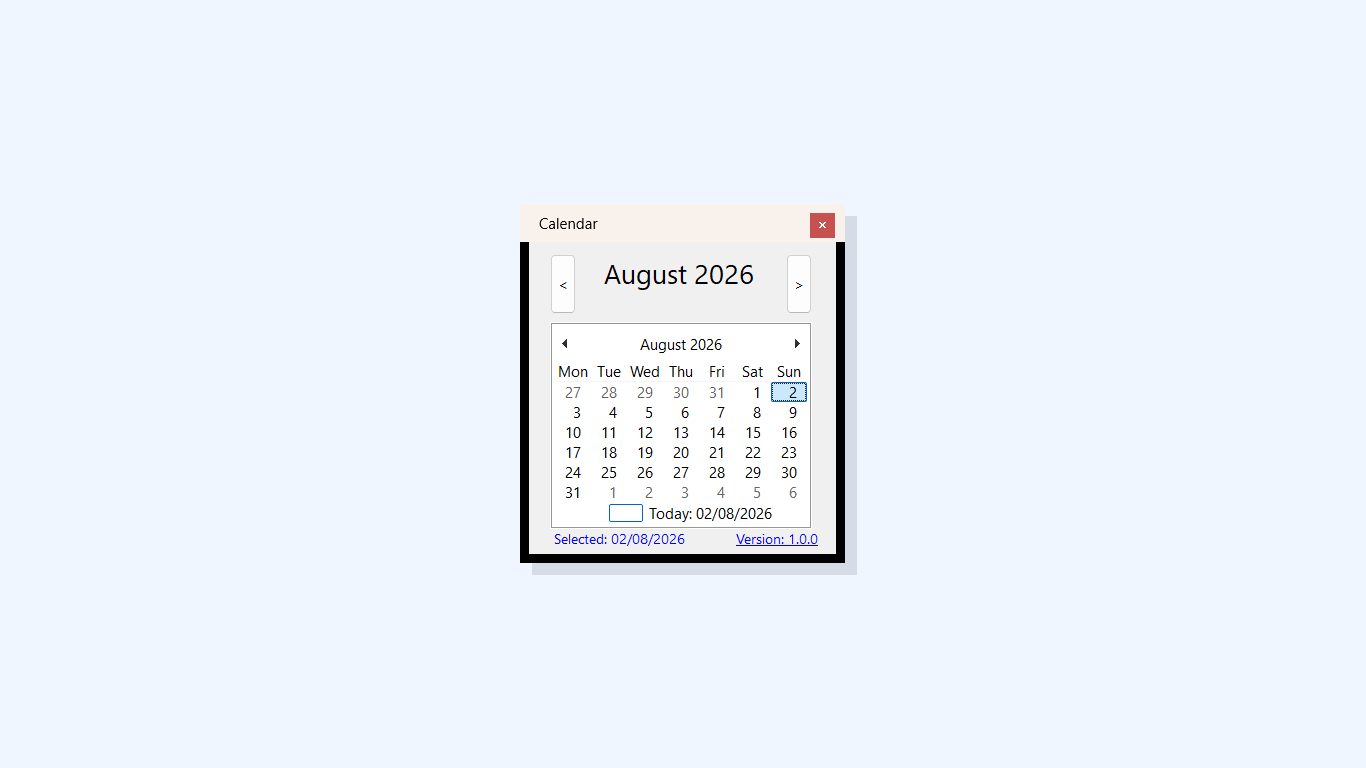
Compact, native Windows interface
No policy changesAdministrators remain in control.
No personal dataNothing is collected or transmitted.
No runtime setupThe Store package is self-contained.
Purpose-built
JB-Calendar is designed for organisations that have separately disabled the built-in notification-area calendar or calendar flyout. It provides a standalone calendar users can open from the Windows tray.
It does not disable notifications, modify Group Policy, change Windows settings, or circumvent administrative controls. The Windows notification area itself must remain available for the tray icon to be shown.
Everyday essentials
Focused functionality, familiar controls and no cloud service to administer.
Keep a usable monthly calendar within reach from the Windows notification area.
Move forwards or backwards by month and jump directly back to today.
Select a day and copy its date to the clipboard with a single action.
No sign-in, advertising, analytics, remote storage or personal-data collection.
For administrators
The Microsoft Store package uses the identity reserved for JB-Calendar and receives signing and updates through Microsoft Store.
Individual licence
One-time Microsoft Store purchase. No subscription and no in-app purchases.
Available in Microsoft StoreBusiness deployment
Coming soonSeparate device-based licensing and an independently distributed enterprise deployment package are planned for organisations with 50 or more Windows devices.
Bulk orders are not yet being accepted. A direct organisational licence will not grant Microsoft Store entitlements.
Privacy
JB-Calendar does not collect, store or transmit personal information. It has no accounts, analytics, advertising or telemetry.
A selected date is processed locally and is copied to the Windows clipboard only when you request it. The product website opens only when you explicitly select the version link.
Read the complete privacy statementSupport
Include your Windows version, JB-Calendar version and a brief description of the problem. Please do not send passwords or confidential information.
Questions
No. It does not disable the Windows calendar, notification centre or notification area. Administrators manage those settings separately.
Yes. JB-Calendar uses a tray icon, so the notification area must remain available. It is intended for environments where the built-in calendar flyout has been disabled, not where the entire tray has been removed.
No connection is required for normal calendar use. Microsoft Store may use a connection for installation, licensing and updates.
Not yet. Device-based licensing for organisations with 50 or more Windows devices is planned and will be announced on this page.